20 of March of 2025
Fix Looker Studio Cannot Connect to Dataset Error

Isaac Correa
Data Integration & Sources
Productivity & Automation
Troubleshoot Looker Studio connection errors. Learn why they happen and how to fix them step by step.
Looker Studio Cannot Connect to Your Dataset – Full Troubleshooting Guide
Looker Studio is an exceptional tool for connecting, visualizing, and analyzing data from multiple sources. However, users often encounter the frustrating message:
"Looker Studio cannot connect to your dataset."
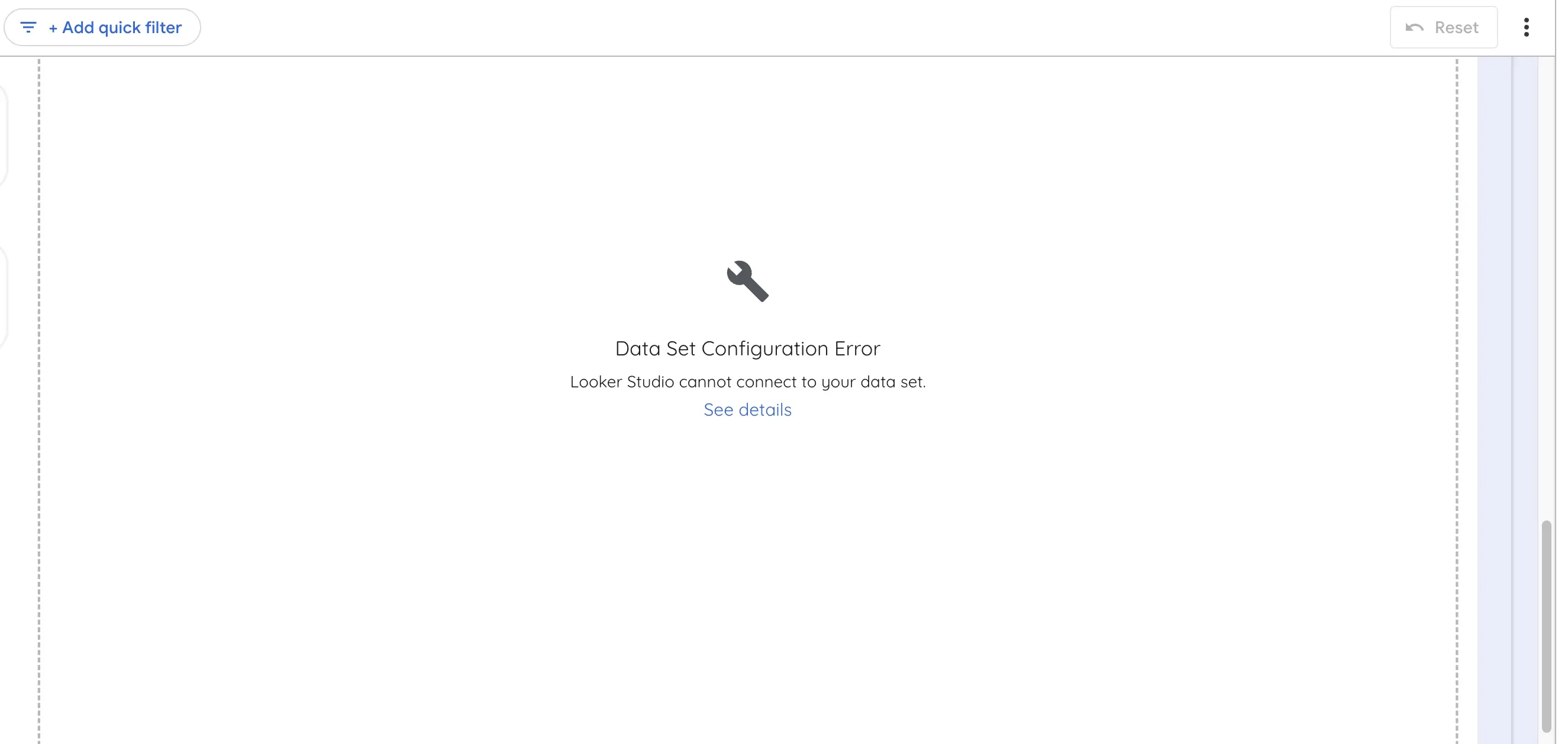
This error prevents reports from displaying data correctly and can be caused by missing data sources, permission issues, misconfigurations, or changes in the dataset structure.
In this guide, we explore the most common reasons why Looker Studio cannot connect to your dataset and provide step-by-step solutions to fix each issue.
What Causes the "Looker Studio Cannot Connect to Your Dataset" Error?
Looker Studio connects to external data sources like Google Sheets, BigQuery, Google Analytics 4 (GA4), and third-party APIs. If something disrupts this connection, Looker Studio fails to retrieve or display data correctly.
The most common reasons for this issue include:
- Invalid/Missing Dimensions, Metrics, or Filters
- Missing Data Source
- Refresh Data Source Fields
- No Access to Data Set
- Data Source Not Attached
- Limit Validation Dimensions Error
Each of these issues has a specific cause and solution, which we will cover in detail below.
1. Invalid/Missing Dimensions, Metrics, or Filters
Why Does This Happen?
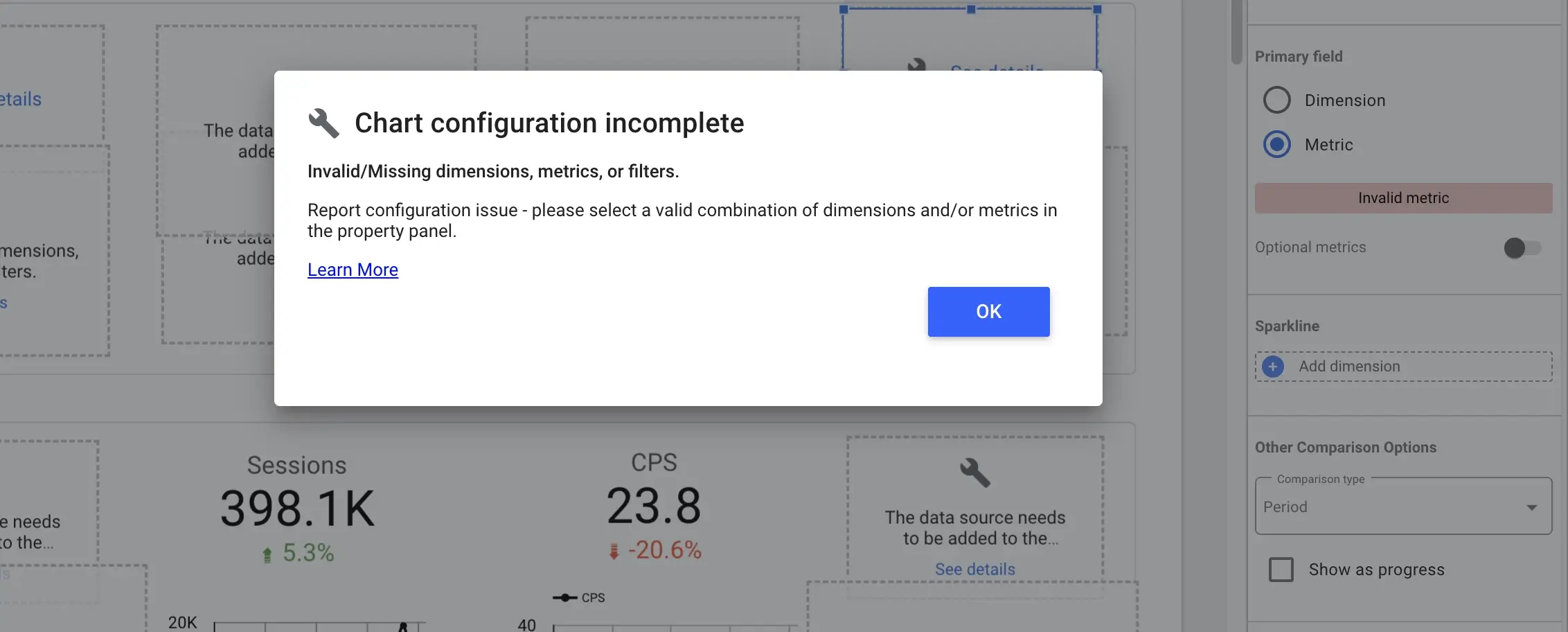
This error appears when a metric, dimension, or filter is incorrectly configured or unavailable in Looker Studio. It commonly occurs in two scenarios:
- A field was not saved properly due to a failed update or an unstable internet connection.
- A calculated field contains an unsupported formula or incorrect syntax.
Users can identify this issue by checking the right-side panel in Looker Studio, where affected fields will display “InvalidMetric” or “InvalidDimension.”
How to Fix It
- Select a different metric or dimension from the dropdown menu.
- Re-select the original metric or dimension to refresh the field.
- If using a calculated field, verify that the formula syntax is correct.
- Check Looker Studio's official list of supported formulas to ensure compatibility:
🔗 Looker Studio Supported Formulas
2. Missing Data Source
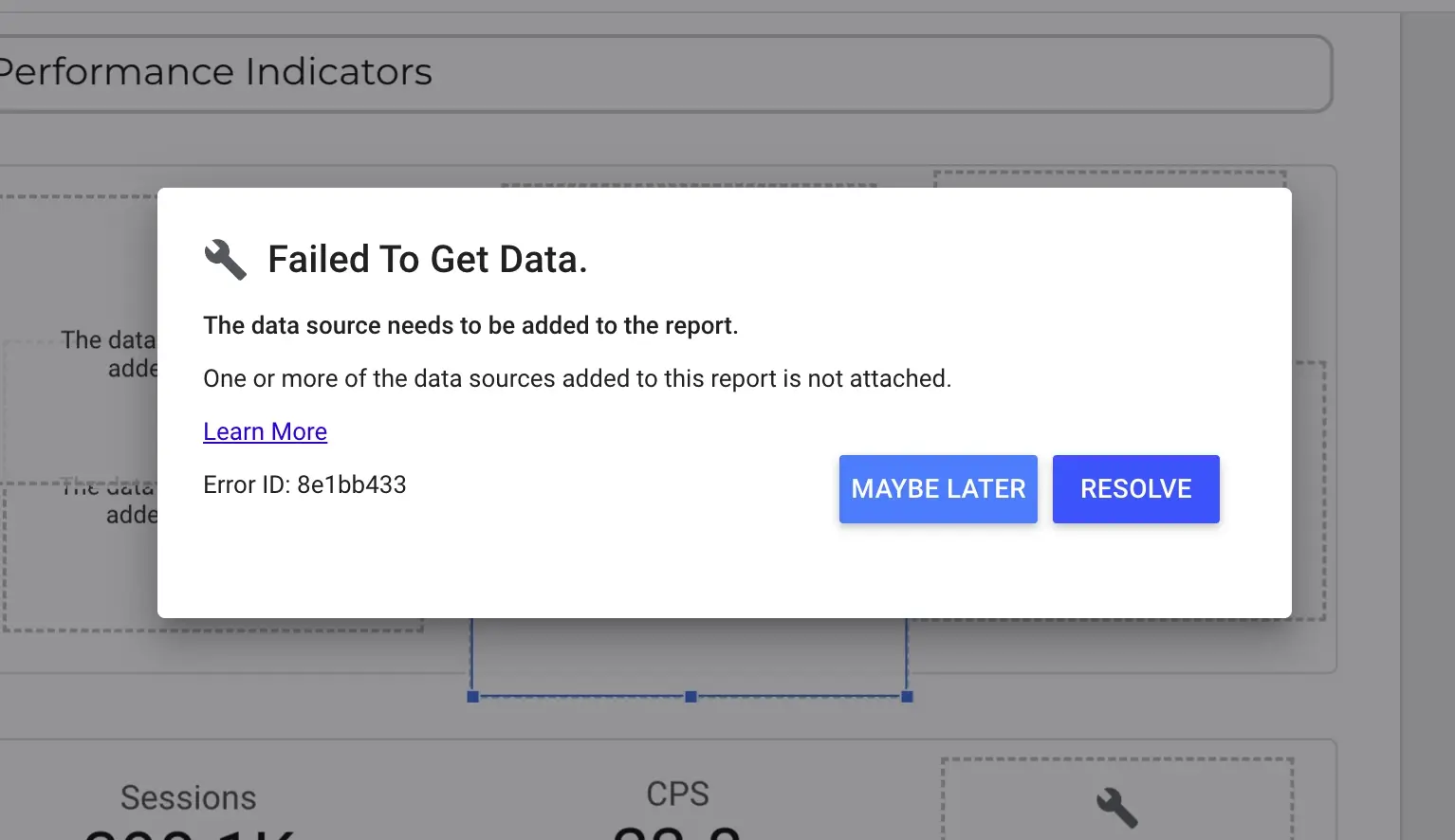
Why Does This Happen?
This issue occurs when Looker Studio cannot find the dataset, often because:
- The data source was deleted, moved, or renamed.
- The report was created using a temporary or incorrect dataset.
- The connection to the original data source was lost due to changes in account permissions.
How to Fix It
- Open Looker Studio and go to the affected report.
- Select the chart or widget displaying the error.
- Click the Data tab in the panel.
- Verify the Data Source field and select the correct dataset.
3. The underlying data has changed. Please notify the data source owner to refresh.
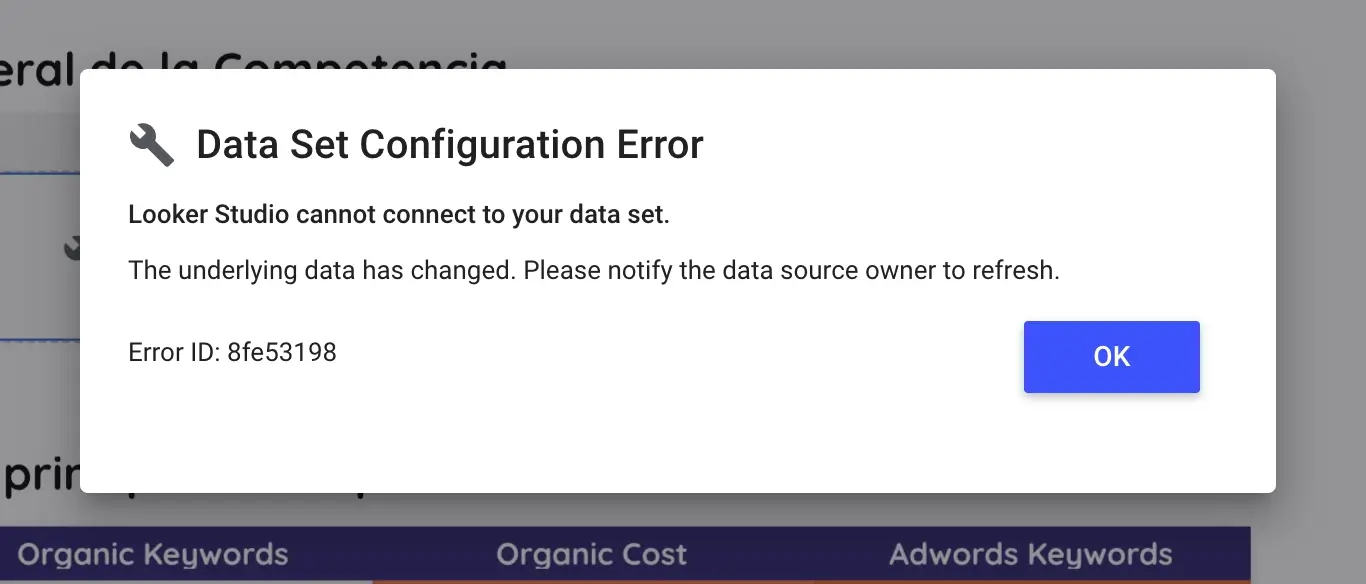
Why Does This Happen?
Looker Studio may not recognize changes in your dataset, such as:
- New columns added to a Google Sheets file.
- Renamed fields in a BigQuery table.
- Data type changes, such as a numeric field being converted to text.
If Looker Studio is working with an outdated schema, it may fail to connect to the dataset.
How to Fix It
- Go to Resource > Manage Added Data Sources.
- Select the affected data source and click Edit.
- Click Refresh Fields at the bottom left of the panel.
- If prompted, click Apply to confirm updates.
💡 Note: If your data source is Google Sheets, it may take 10–15 minutes for Looker Studio to update after changes. This delay occurs because Google Sheets needs time to process and sync data.
4. No Access to Data Set
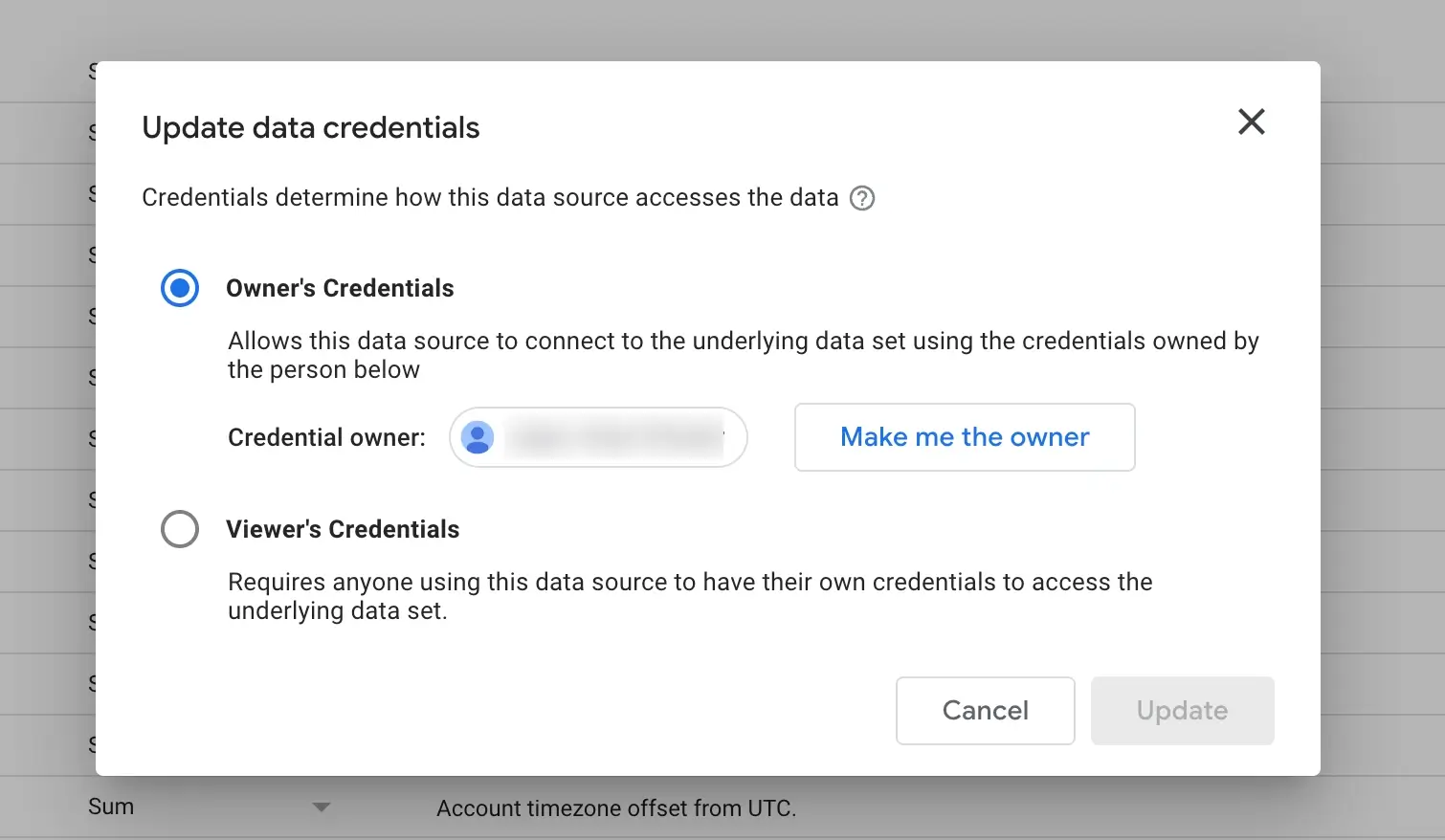
Why Does This Happen?
Looker Studio cannot retrieve data if the user does not have the required permissions. This can occur when:
- The dataset owner revoked or changed access settings.
- The data source was connected using an account that no longer has access.
How to Fix It
- Open Resource > Manage Added Data Sources.
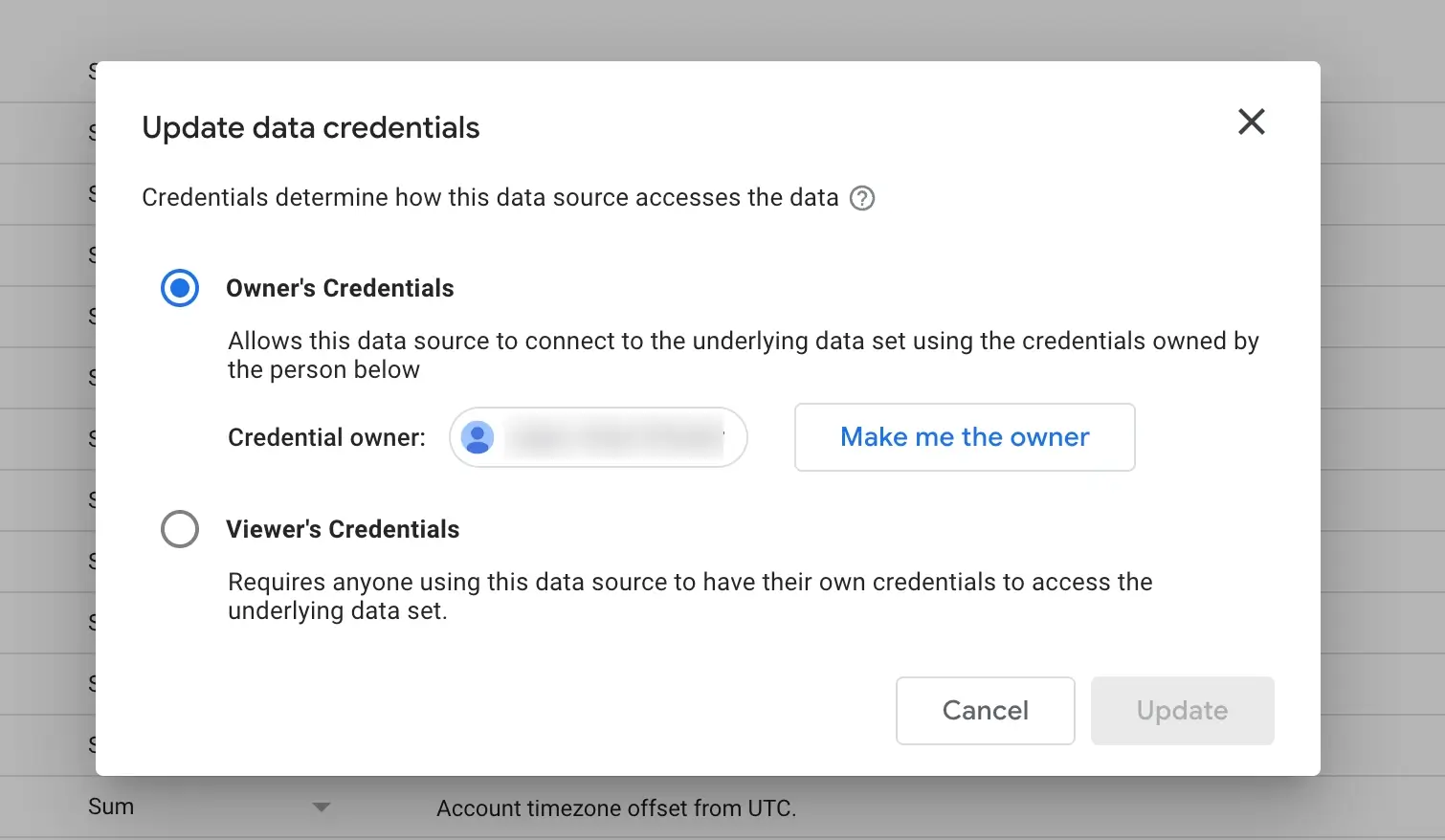
- Click Edit > Data Credentials.
- Select Owner’s Credentials.
5. Data Source Not Attached
Why Does This Happen?
If Looker Studio has no data source assigned, it cannot retrieve data.
How to Fix It
-
Open Resource > Manage Added Data Sources.
-
Click Add Data and select your dataset.
6. This data set has been accessed too many times.
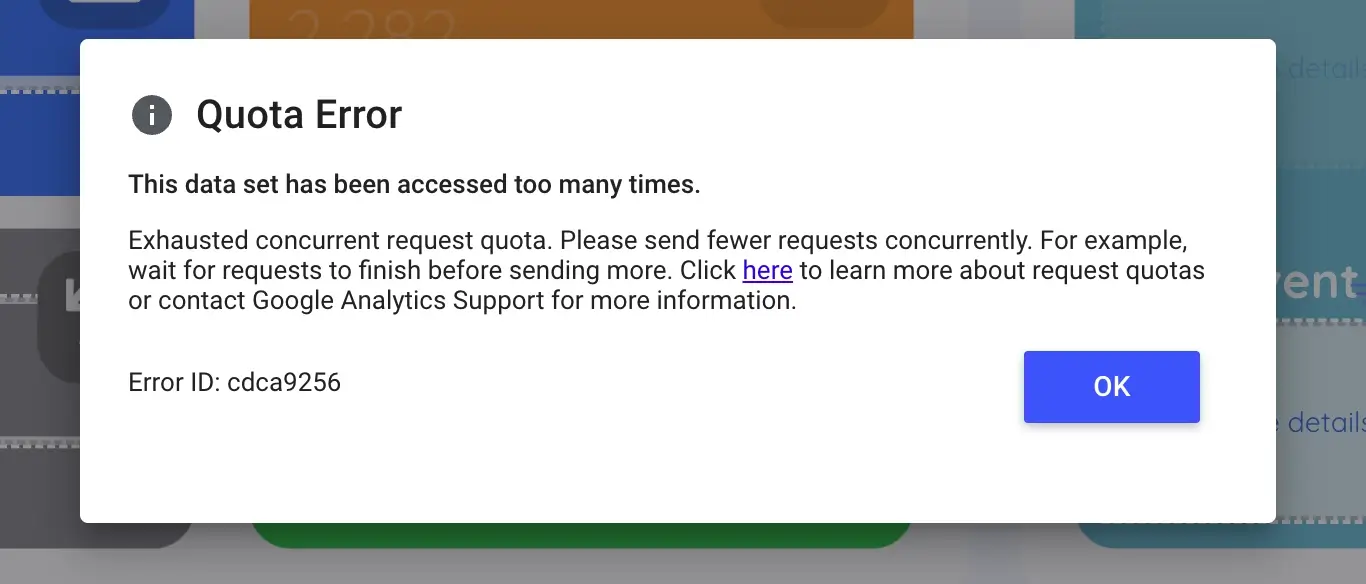
Why Does This Happen?
This issue occurs when Looker Studio tries to pull too many dimensions in a single query, causing a limit validation error. It typically happens when:
- A report includes too many fields from a data source with query limitations.
- The user is working with API-based data sources that restrict the number of fields retrieved simultaneously.
How to Fix It
- Reduce the number of dimensions in your query.
- Use Extract Data to store a static version of the dataset.
- If using BigQuery, optimize your SQL queries.
Save Time with Pre-Built Looker Studio Templates
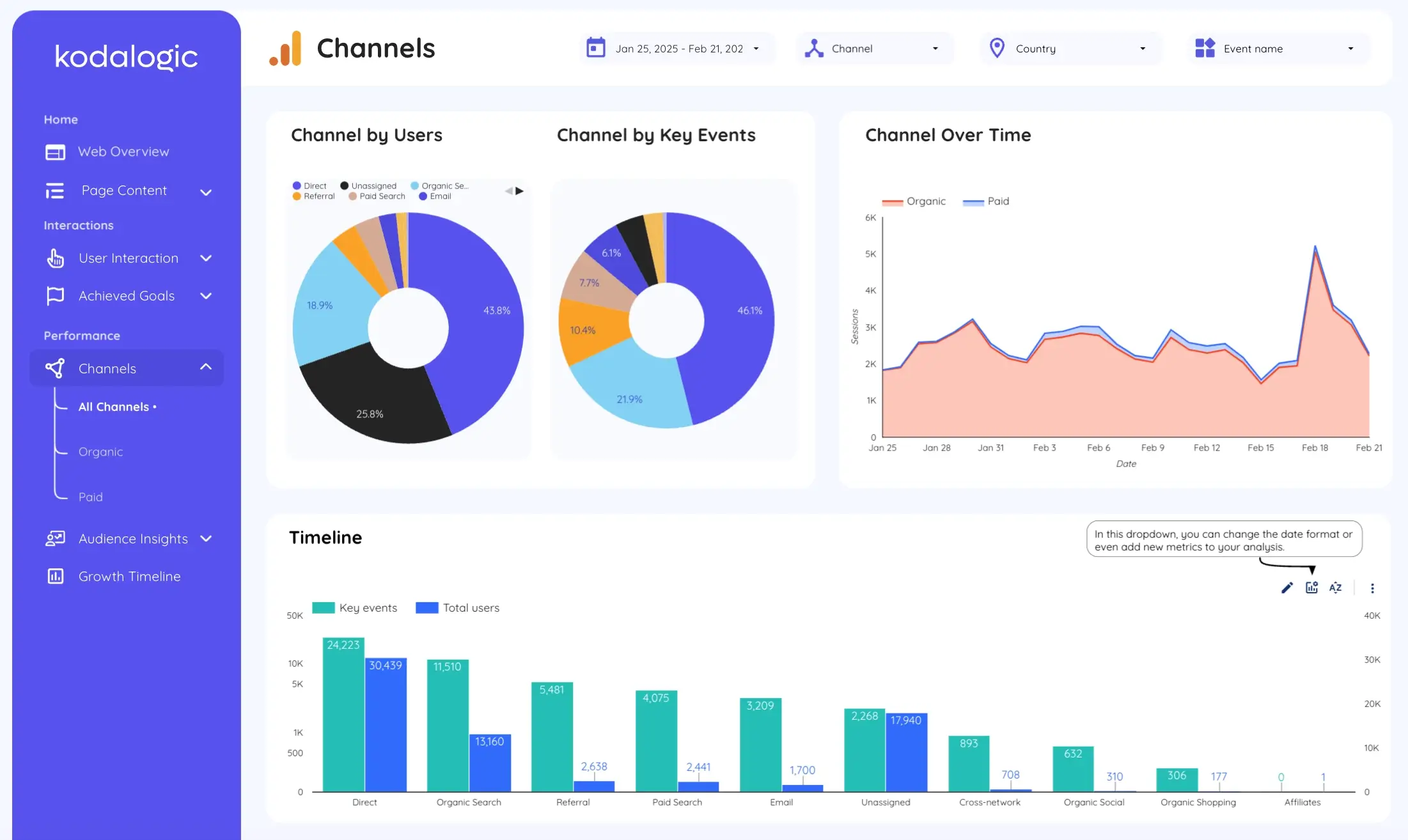
If you’re facing persistent errors in Looker Studio and don’t want to waste hours troubleshooting, consider using a pre-built template that works without configuration issues.
We offer ready-to-use Looker Studio templates for:
Google Analytics 4 (GA4) Reports
Google Ads Dashboards
SEO and Web Analytics Reports
Need help setting up your report? Contact us, and we’ll take care of it for you!