Google Ads Dashboard for Looker Studio
Data Sources. Which do you need?
Google Analytics 4
Google Ads
Google Search Console
$129
One-time paymentTemplate Information
General
Description
Every month you export campaign data, reformat a spreadsheet, and send a report that's already out of date by the time it arrives. For agencies managing multiple clients, that process burns hours that should go toward actual campaign work.
This Google Ads Looker Studio template is a live PPC dashboard — not a static export.
Questions you can answer with this dashboard:
Are we spending more or less than last month — and is ROAS improving?
Which campaigns are earning conversions at acceptable cost, and which are burning budget?
Which search terms are driving results and which need to be added as negatives?
Is mobile converting at the same rate as desktop, or is there a landing page problem?
Are we better or worse than last month across all active campaigns?
Connect your Google Ads account once and data flows in live. You share a link — not a PDF, not a spreadsheet, not a login to an interface clients find confusing. They see current numbers whenever they open it.
What's inside:
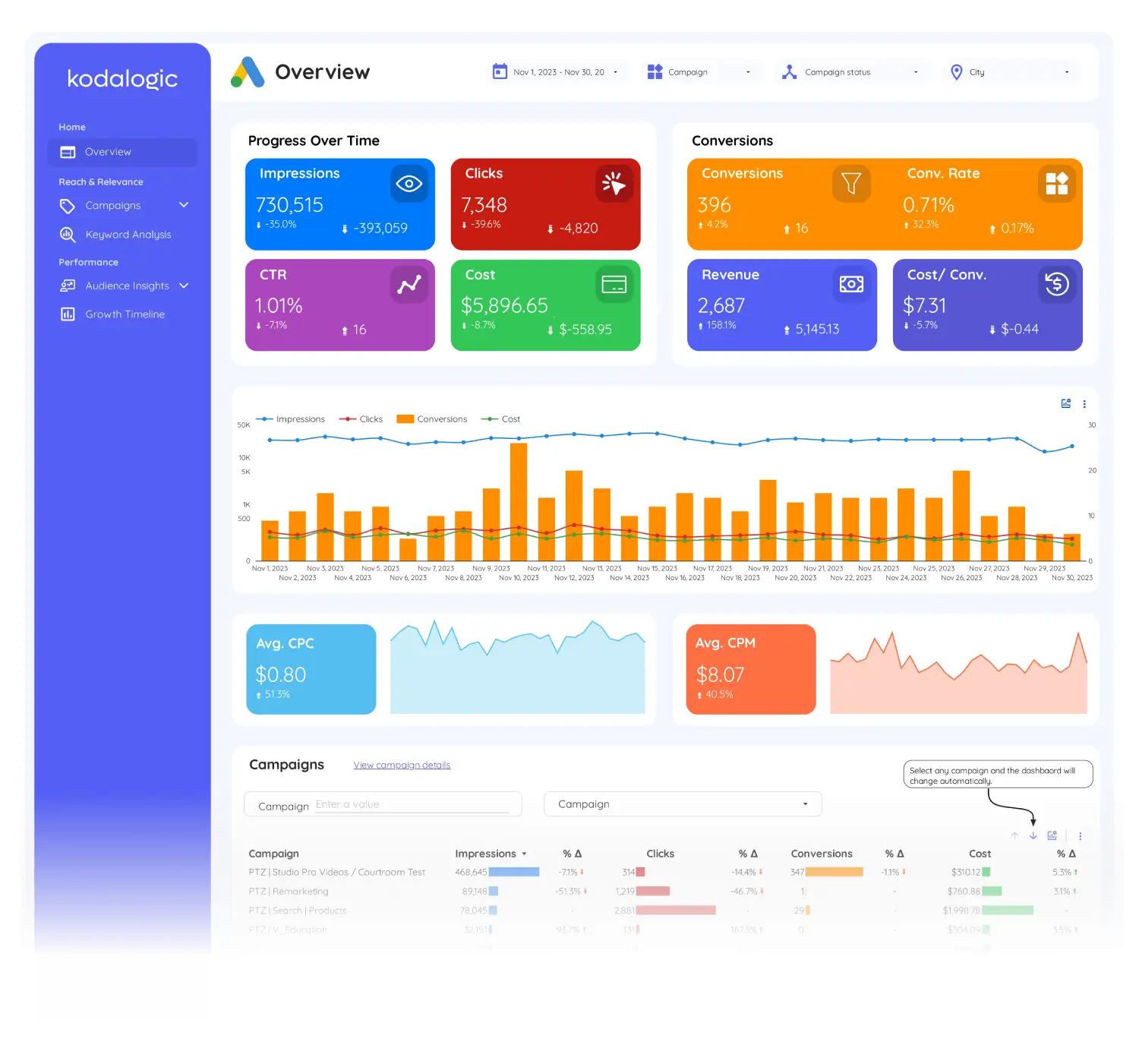
Campaign Overview. Total spend, ROAS, CPA, and conversions across all active campaigns, with period-over-period comparison built in. The question \"are we better than last month?\" is answered before the meeting starts.
Keyword Performance. Which search terms are generating conversions at acceptable cost and which are burning budget. Bid adjustments become obvious — no pivot tables required.
Ad Performance. Separates high-CTR ads from high-conversion ads — the distinction that tells you whether your messaging is attracting the right people or just clicks.
Audience & Device Insights. The mobile-to-desktop conversion split that usually points to a landing page fix before anything else does.
Connect to Google Ads in under 2 minutes. No coding required. One-time purchase — no subscription, no monthly fee.
Report
Content
Google Ads
Campaign performance: Analyze spending, clicks, impressions, and conversions effortlessly.
Keyword insights: Identify top-performing keywords and refine underperforming ones.
Audience segmentation: Break down performance by devices, demographics, and locations.
Smart Interpretations: Highlights trends, winning strategies, and opportunities for optimization.