Google Analytics 4 Dashboard for Looker Studio
Data Sources. Which do you need?

Google Analytics 4

Google Ads

Google Search Console
$129
One-time paymentTemplate Information
General
Description
GA4 was redesigned for data engineers. Getting a straight answer — how many organic sessions converted last month — means navigating menus that weren't built for the people who need the answer most.
This GA4 Looker Studio template gives you a fixed, readable view that anyone on your team can use every week, without rebuilding anything.
Questions you can answer with this dashboard:
How many sessions did we get last month versus the month before?
Which acquisition channels are sending users who actually convert?
What pages do visitors land on — and where do they drop off?
Which devices and countries drive the most revenue?
What's our engagement rate by channel, and where is it falling?
What's inside:
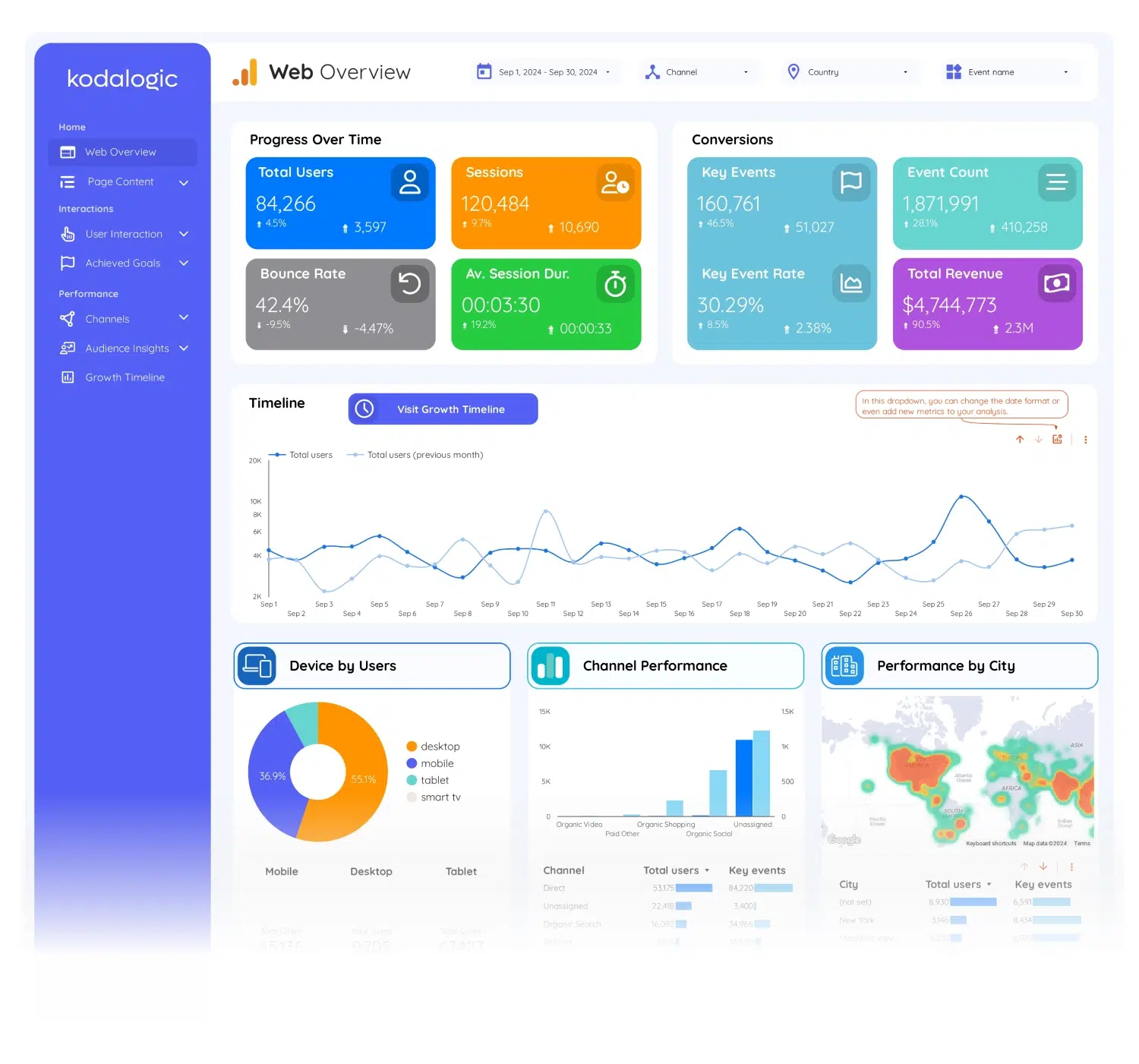
Web Overview. Sessions, users, engagement rate, bounce rate, and revenue in one view — with period-over-period comparison already on. No manual date range setup. Open it and everything is there.
User Interaction. How visitors move through your site: which pages they land on, how far they scroll, which events they complete, and where they drop off. The layer that tells you whether your content is working or quietly failing.
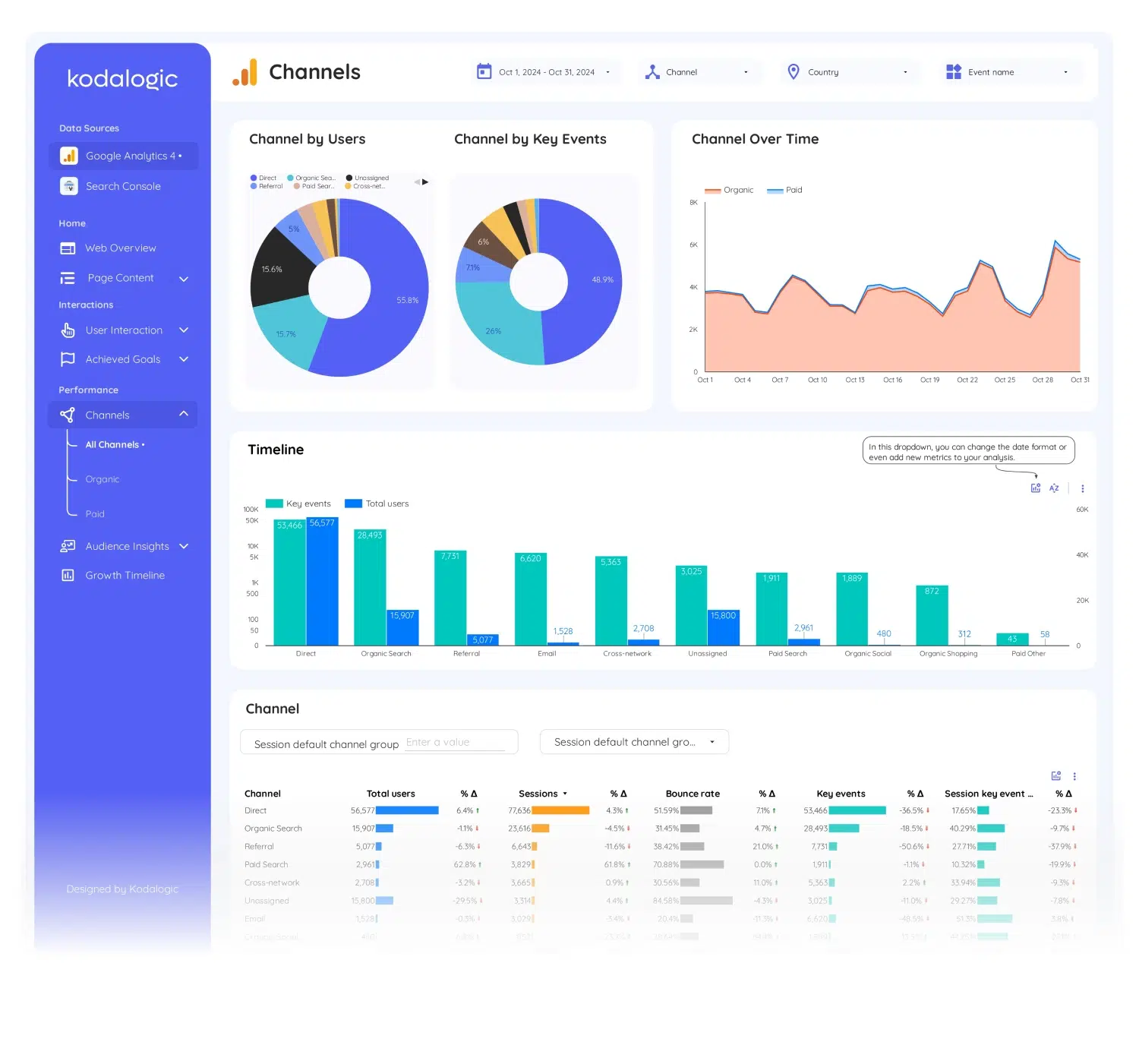
Audience Insights. Traffic by acquisition channel, device, and geography. See which sources send users who convert versus which send users who bounce.
Conversion Tracking. Goals completed, purchase events, and revenue — organized by the channel that drove each outcome. The section that turns GA4 into an answer leadership actually accepts.
If you also run Google Ads, the GA4 + Google Ads Dashboard connects both. For GA4, Search Console, and Ads in one view, the All-in-One Dashboard covers everything.
Connect to any GA4 property in under 2 minutes. No coding required. One-time purchase — no subscription, no monthly fee.
Report
Content
Google Analytics 4
User behavior patterns: Understand how users interact with your site to identify areas for improvement.
Key performance metrics: Track sessions, users, conversions, and engagement effortlessly.
Page insights: Discover which pages perform best and where users drop off.
Smart Interpretations: Automatically highlights trends and opportunities to guide your strategy.